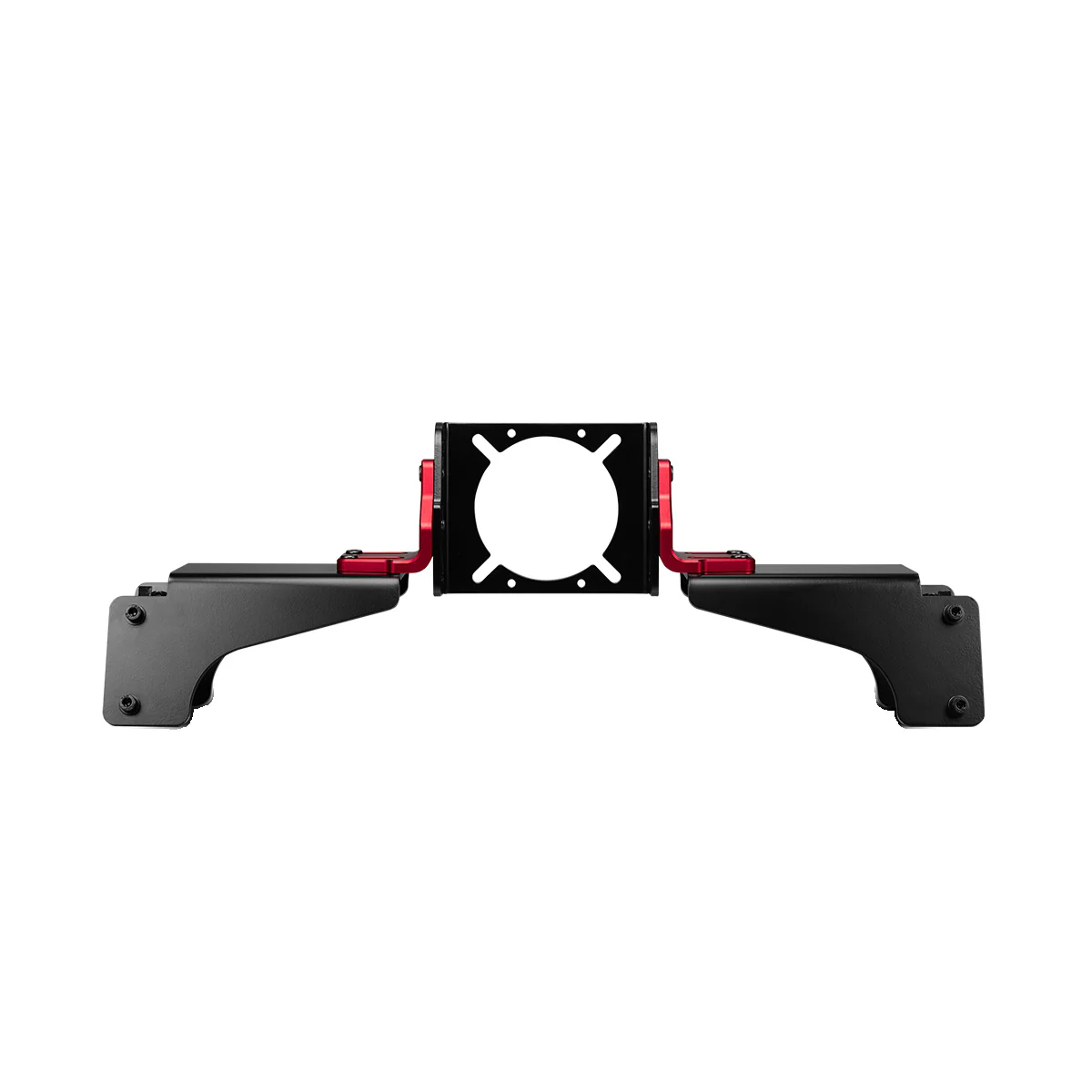

Thrustmaster Sim Racing Hub
Connect up to 4 Thrustmaster add-ons simultaneously on your TM Compatible wheel base
- Compatible on PS4™ with T-GT and T300-Series racing wheels
- Compatible on Xbox One® with TS-XW and TX-Series racing wheels
- Compatible on PS4™ and Xbox One® with games listed on the following website: https://support.thrustmaster.com/
The TM Sim Hub is compatible on PS4™ & Xbox One® with:
- the base of the Thrustmaster T-GT, T300-Series, TS-XW Racer and TX-Series racing wheels
- the TSS Handbrake Sparco® Mod / TSS Handbrake Sparco® Mod +
- the TH8A Add-On Shifter gearbox.
On PS4™ and Xbox One®, the TM SIM HUB allows you to simultaneously connect up to four accessories directly to the mini-DIN connector located at the back of the compatible Thrustmaster racing wheel’s base.
Examples of possible simultaneous connections to the TM Sim Hub:
- a TSS Handbrake Sparco® Mod in sequential mode [+/-]
- a TSS Handbrake Sparco® Mod in handbrake mode [progressive]
- a TH8A Add-On Shifter in sequential mode [+/-]
- a TH8A Add-On Shifter in “H” mode [7 + Reverse]
Note regarding the TSS Handbrake Sparco® Mod In Ps4™ And Xbox One® Games
When the TSS Handbrake Sparco® Mod is connected to a compatible Thrustmaster racing wheel base or to the TM SIM HUB:
- sequential mode [+/-] is functional in all games, as it is associated with the wheel’s UP and DOWN paddle shifters.
- handbrake mode [progressive] is functional in games which support the handbrake function*.
List of PS4™ and Xbox One® games compatible with handbrakes available at https://support.thrustmaster.com/
Additional precisions on console multi-equipment
- On Xbox One, the TM Sim Hub is compulsory to play with more than 1 add-on. TM Sim Hub has to be plugged in a compatible wheel base DIN port. Then add-ons (TH8A, TSSH) have to be plugged in the TM Sim Hub ports.
- On PS4, some games support/allow the TH8A plugged in the PS4 USB port and the TSS Handbrake plugged on the wheel base DIN port.
- On games not supporting the TH8A in USB, TM Sim Hub is then compulsory to play with more than 1 add-on.
Box contents
TM Sim Hub, user guide and warranty information.
Connect up to 4 Thrustmaster add-ons simultaneously on your TM Compatible wheel base
- Compatible on PS4™ with T-GT and T300-Series racing wheels
- Compatible on Xbox One® with TS-XW and TX-Series racing wheels
- Compatible on PS4™ and Xbox One® with games listed on the following website: https://support.thrustmaster.com/
The TM Sim Hub is compatible on PS4™ & Xbox One® with:
- the base of the Thrustmaster T-GT, T300-Series, TS-XW Racer and TX-Series racing wheels
- the TSS Handbrake Sparco® Mod / TSS Handbrake Sparco® Mod +
- the TH8A Add-On Shifter gearbox.
On PS4™ and Xbox One®, the TM SIM HUB allows you to simultaneously connect up to four accessories directly to the mini-DIN connector located at the back of the compatible Thrustmaster racing wheel’s base.
Examples of possible simultaneous connections to the TM Sim Hub:
- a TSS Handbrake Sparco® Mod in sequential mode [+/-]
- a TSS Handbrake Sparco® Mod in handbrake mode [progressive]
- a TH8A Add-On Shifter in sequential mode [+/-]
- a TH8A Add-On Shifter in “H” mode [7 + Reverse]
Note regarding the TSS Handbrake Sparco® Mod In Ps4™ And Xbox One® Games
When the TSS Handbrake Sparco® Mod is connected to a compatible Thrustmaster racing wheel base or to the TM SIM HUB:
- sequential mode [+/-] is functional in all games, as it is associated with the wheel’s UP and DOWN paddle shifters.
- handbrake mode [progressive] is functional in games which support the handbrake function*.
List of PS4™ and Xbox One® games compatible with handbrakes available at https://support.thrustmaster.com/
Additional precisions on console multi-equipment
- On Xbox One, the TM Sim Hub is compulsory to play with more than 1 add-on. TM Sim Hub has to be plugged in a compatible wheel base DIN port. Then add-ons (TH8A, TSSH) have to be plugged in the TM Sim Hub ports.
- On PS4, some games support/allow the TH8A plugged in the PS4 USB port and the TSS Handbrake plugged on the wheel base DIN port.
- On games not supporting the TH8A in USB, TM Sim Hub is then compulsory to play with more than 1 add-on.
Box contents
TM Sim Hub, user guide and warranty information.
Description
Connect up to 4 Thrustmaster add-ons simultaneously on your TM Compatible wheel base
- Compatible on PS4™ with T-GT and T300-Series racing wheels
- Compatible on Xbox One® with TS-XW and TX-Series racing wheels
- Compatible on PS4™ and Xbox One® with games listed on the following website: https://support.thrustmaster.com/
The TM Sim Hub is compatible on PS4™ & Xbox One® with:
- the base of the Thrustmaster T-GT, T300-Series, TS-XW Racer and TX-Series racing wheels
- the TSS Handbrake Sparco® Mod / TSS Handbrake Sparco® Mod +
- the TH8A Add-On Shifter gearbox.
On PS4™ and Xbox One®, the TM SIM HUB allows you to simultaneously connect up to four accessories directly to the mini-DIN connector located at the back of the compatible Thrustmaster racing wheel’s base.
Examples of possible simultaneous connections to the TM Sim Hub:
- a TSS Handbrake Sparco® Mod in sequential mode [+/-]
- a TSS Handbrake Sparco® Mod in handbrake mode [progressive]
- a TH8A Add-On Shifter in sequential mode [+/-]
- a TH8A Add-On Shifter in “H” mode [7 + Reverse]
Note regarding the TSS Handbrake Sparco® Mod In Ps4™ And Xbox One® Games
When the TSS Handbrake Sparco® Mod is connected to a compatible Thrustmaster racing wheel base or to the TM SIM HUB:
- sequential mode [+/-] is functional in all games, as it is associated with the wheel’s UP and DOWN paddle shifters.
- handbrake mode [progressive] is functional in games which support the handbrake function*.
List of PS4™ and Xbox One® games compatible with handbrakes available at https://support.thrustmaster.com/
Additional precisions on console multi-equipment
- On Xbox One, the TM Sim Hub is compulsory to play with more than 1 add-on. TM Sim Hub has to be plugged in a compatible wheel base DIN port. Then add-ons (TH8A, TSSH) have to be plugged in the TM Sim Hub ports.
- On PS4, some games support/allow the TH8A plugged in the PS4 USB port and the TSS Handbrake plugged on the wheel base DIN port.
- On games not supporting the TH8A in USB, TM Sim Hub is then compulsory to play with more than 1 add-on.
Box contents
TM Sim Hub, user guide and warranty information.